Best Free AI Tools for K-12 Teachers: Smart Toolkit’s Approach
July 25, 2026
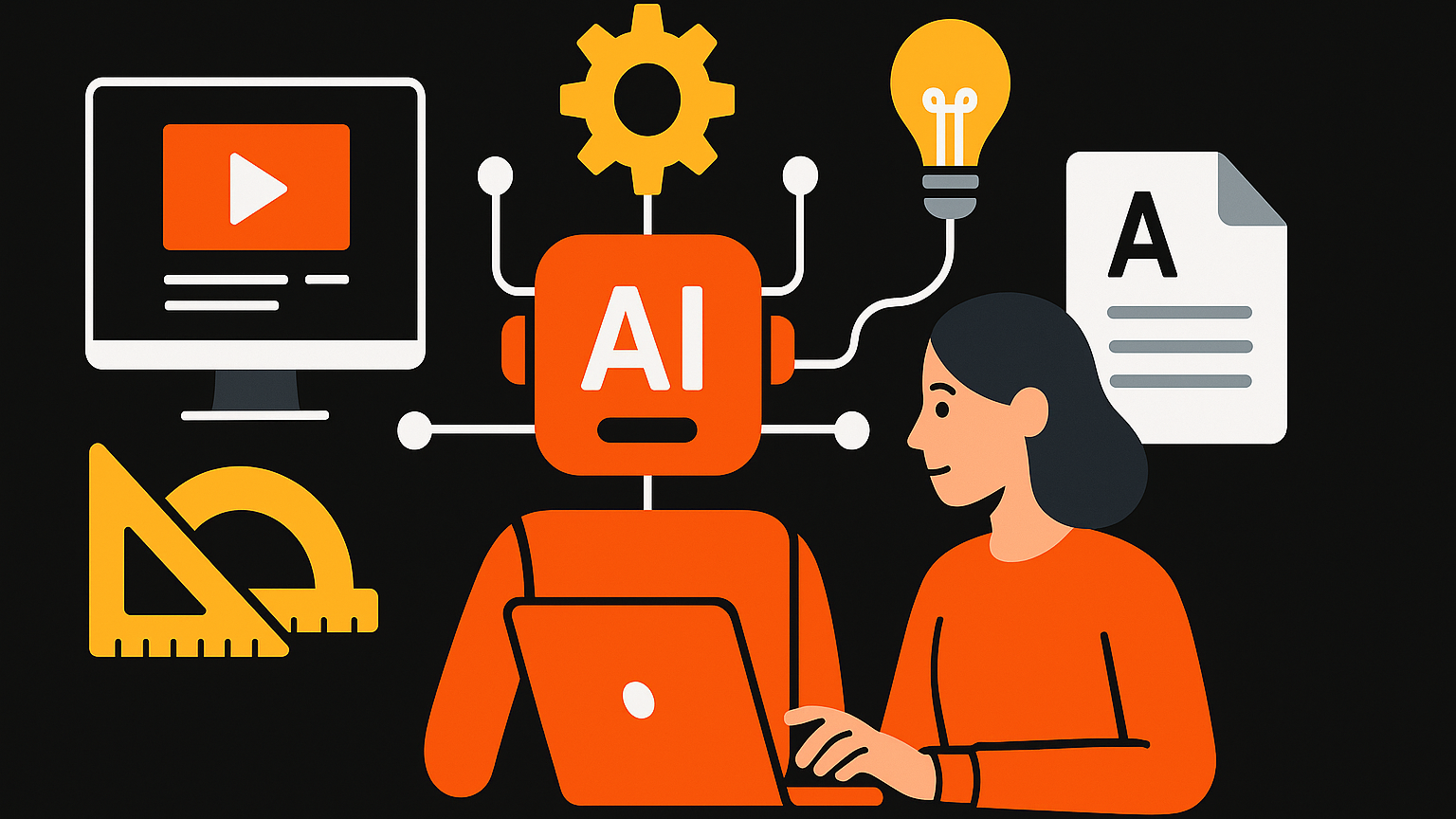
Free AI tools for K-12 teachers simplify daily tasks and enhance learning while keeping student data private. Smart Toolkit combines powerful AI features to help educators save time and boost student engagement. By integrating AI into your classroom, you can transform how you manage lessons, track progress, and create engaging educational content.
How Can AI Streamline Your Lesson Planning and Content Creation?
AI tools make lesson planning and content creation easier by automating repetitive tasks and personalizing materials. Teachers can save valuable time, allowing them to focus more on student interaction and effective instruction.
Automate Lesson Planning with Smart Toolkit
Smart Toolkit enables K-12 teachers to create engaging lesson plans quickly. The software understands your curriculum standards and learning objectives. You input your topic and grade level, and Smart Toolkit suggests activities, discussion prompts, and assessment ideas. This means you can outline a full week’s worth of lessons in minutes, giving you back precious planning time.
For example, if you need a lesson on the water cycle for a 4th-grade class, Smart Toolkit generates a plan with a hands-on experiment, a video suggestion, and a comprehension quiz. You get a ready-to-use framework that meets educational standards without starting from scratch.
Generate Diverse Content Ideas
Creating fresh content for every lesson can be tough. AI tools in Smart Toolkit act like a brainstorming partner. They suggest various assignments, such as creative writing prompts, group projects, or problem-solving scenarios, tailored to your subject. This keeps lessons dynamic and prevents student boredom.
Need ideas for a history project on Ancient Egypt? Smart Toolkit could suggest creating a “day in the life” journal entry from an Egyptian citizen, designing a pyramid model with historical details, or scripting a short play about pharaohs. These diverse options cater to different learning styles in your classroom.
Quickly Create Differentiated Learning Materials
Personalizing content for students with varying needs often takes time. AI streamlines this process by adapting existing materials quickly. You can take a single reading passage and generate multiple versions: one with simplified vocabulary for struggling readers, another with added challenge questions for advanced learners, and even a version translated into another language if needed. This ensures every student receives appropriate content from one original source.
For instance, if you have a science article on photosynthesis, Smart Toolkit can rephrase complex sentences, define difficult terms, and create a short summary for students needing extra support. Simultaneously, it generates higher-order thinking questions for students ready for more depth. This differentiation happens almost instantly, making your classroom more inclusive and effective.
Which AI Tools Improve Student Engagement Online and Offline?
AI tools enhance student engagement by personalizing learning, automating tasks, and creating interactive content. These tools help teachers connect with students more effectively, both in class and during remote lessons.
For online engagement, tools like Quizlet AI help teachers create adaptive quizzes quickly. Teachers input lesson material, and Quizlet AI generates various question formats, including multiple-choice and flashcards. This means students get varied practice, keeping them more interested than static worksheets. Instant feedback helps students grasp concepts better and stay motivated.
Another helpful tool for online interaction is Classkick, which provides real-time feedback on student work. As students complete assignments, Classkick flags common errors or areas where they struggle. This allows teachers to intervene promptly with personalized support. Students feel supported and less frustrated, encouraging them to stay engaged with their learning tasks.
For offline engagement, AI tools like Curipod help teachers design dynamic, interactive presentations. Teachers can generate slides with embedded questions, polls, and drawing activities. This transforms traditional lectures into engaging experiences where students actively participate. For example, a science teacher could use Curipod to create a lesson where students draw their understanding of the water cycle directly on a projected slide, making learning hands-on and memorable.
Blooket is another excellent tool for increasing engagement in the physical classroom. Its game-based format uses adaptive questioning that feels personalized to student progress. Teachers can turn review sessions into competitive games, where students answer questions to earn points or unlock characters. This gamified approach makes learning fun and encourages active participation from every student. When students enjoy the learning process, they’re more likely to pay attention and recall information.
These tools free up teacher time by automating content creation and feedback. Teachers can focus more on individual student needs, fostering a dynamic learning environment. This leads to higher student engagement, as lessons become more interactive and tailored to each student’s learning style.
How Can AI Help with Student Attendance Tracking and Classroom Management?
AI helps K-12 teachers track student attendance and manage classrooms by automating routine tasks. This saves time for teachers, allowing them to focus more on instruction and student engagement. For example, AI can quickly log attendance and identify patterns in student behavior.
Automated Attendance Tracking
AI tools streamline attendance tracking for K-12 teachers. These tools use methods like facial recognition or QR code scanning to record student presence automatically. For instance, a teacher might use Smart Toolkit’s attendance feature to scan a classroom QR code at the start of class. This instantly marks students present, eliminating the need for manual roll calls.
- Quick Daily Check-ins: Teachers can complete attendance in seconds, not minutes. More instructional time means better learning for students.
- Accurate Records: AI reduces human error in marking attendance. This ensures reliable data for school records and parent communications.
- Absence Alerts: Some AI systems automatically notify parents or school administrators about unexcused absences. This speeds up communication and ensures students’ safety.
Enhanced Classroom Management
AI supports K-12 teachers with classroom management by providing insights into student behavior. These insights help teachers intervene early and maintain an orderly learning environment. For example, Smart Toolkit can analyze participation data to show which students are consistently quiet or disengaged.
- Behavior Pattern Recognition: AI tools identify trends in student participation or disruptive behavior, helping teachers understand classroom dynamics better.
- Personalized Interventions: Teachers receive data on individual student engagement, allowing them to tailor support for students who might be struggling or disengaged.
- Task Monitoring: AI tracks student progress on digital assignments, helping teachers see who is on task and who might need extra help, all in real-time.
By taking over these administrative tasks, AI tools like Smart Toolkit give K-12 teachers more capacity to teach effectively. Teachers spend less time on paperwork and more time building strong connections with their students.
What Are the Best AI Tools for Digital Content Creation for Teachers?
The best AI tools for digital content creation for K-12 teachers help you quickly build engaging materials, saving time and effort. These tools handle tasks like generating images, creating presentations, and designing interactive lessons, so you can focus on teaching. They make it easier to deliver fresh, relevant content to your students every day.
For generating images, you can use tools like DALL-E 3 or Midjourney. These AI image generators take your text descriptions and turn them into unique visuals. For example, if you need an image of “a red robot reading a book in a classroom,” the AI creates it for you in seconds. This means you no longer have to search for stock photos or create graphics from scratch. You get custom images that perfectly match your lesson plans, making your materials more visually appealing and easier for students to understand.
When creating presentations, AI tools like Tome are incredibly helpful. You provide a topic or outline, and Tome generates an entire presentation, including text and suggested visuals. This feature helps you prepare for new lessons or review existing material quickly, without the heavy lifting of traditional slide design. The AI structures your content logically, ensuring your presentations are clear and engaging for students.
For interactive content, consider tools that integrate AI for quick lesson design. While dedicated AI lesson designers are still evolving, many platforms are adding AI features. Some now use AI to suggest questions for quizzes or adapt content based on student responses. This allows you to create dynamic learning experiences that keep students engaged and help them grasp difficult concepts faster. AI personalizes the learning path for each student, making education more effective.
Another area where AI excels is in creating explainer videos or animated content. Tools like Synthesia or Pictory can turn your text scripts into professional-looking videos with AI-generated narrators and visuals. Imagine needing a short video explaining a historical event or a scientific process. You type in your script, and the AI produces a video in minutes. This allows you to provide diverse learning materials, catering to different learning styles without needing complex video editing skills or expensive equipment. Your students receive rich, multimedia content that enhances their understanding.
How Can Smart Toolkit Integrate AI for Ethical and Secure K-12 Classrooms?
Smart Toolkit helps K-12 teachers use AI ethically and securely by building in privacy protections and responsible AI design from the start. This means you can use AI tools to help students learn without worrying about data misuse or inappropriate content.
For student data privacy, Smart Toolkit uses anonymization and secure data handling. When students interact with AI features, their personal information is stripped away before processing. This protects student identities. For example, when a student uses the AI to summarize a research paper, the system only sees the text of the paper, not the student’s name or identifying details. This keeps student information confidential, meeting standards like the Family Educational Rights and Privacy Act (FERPA).
Smart Toolkit also includes content filtering designed for educational environments. This filter prevents the AI from generating off-topic, inappropriate, or biased responses. Teachers can set custom filters to match their school’s policies. For instance, if you ask the AI to generate a story prompt, the content filter ensures suggestions are always age-appropriate and curriculum-aligned. This saves teachers time reviewing AI output and ensures a safe learning environment for all students.
Another key feature is transparent AI usage reporting for administrators. Smart Toolkit logs how AI tools are used in the classroom without logging student-identifying information. This report shows general usage patterns, like how many times the AI was used for lesson planning or quiz generation in a month. This gives school leaders insight into AI adoption and helps ensure responsible use across the district, all while protecting individual privacy.
Finally, Smart Toolkit offers built-in educator training modules on ethical AI use. These short, practical guides help teachers understand the best ways to integrate AI into their lessons responsibly. The modules cover topics like explaining AI to students, checking AI-generated content for accuracy, and encouraging critical thinking. This ensures teachers feel confident and supported in using AI as a valuable teaching aid, making sure the technology serves the classroom effectively and ethically.
What’s the Smart Toolkit Framework for AI-Powered Teaching?
The Smart Toolkit Framework for AI-Powered Teaching helps K-12 teachers save time and improve student learning by organizing AI tools into four key areas. This framework provides clear guidance on using AI for daily classroom tasks. Teachers can quickly find the right AI tool for lesson planning, student support, assessment, and administrative tasks.
First, the framework focuses on Lesson Planning & Content Creation. AI tools here help teachers build engaging lessons faster. For example, a teacher can use an AI writing assistant to generate five different ideas for a 3rd-grade science lesson on ecosystems in under two minutes. This means less time spent brainstorming and more time on actual teaching. Teachers can also create custom worksheets or quiz questions tailored to specific learning objectives.
Next, the framework addresses Personalized Student Support. These AI tools help teachers meet individual student needs more effectively. An AI-powered tutoring system can provide extra practice problems for students struggling with fractions. This gives students immediate feedback and targeted help. Teachers can also get insights into student progress, identifying who needs extra attention before issues become bigger problems. This helps every student feel supported and understood.
Third, the framework includes tools for Efficient Assessment & Feedback. AI can automate parts of the grading process, giving teachers more time back. An AI grading tool can score multiple-choice tests or provide initial feedback on short answer questions. This reduces the manual workload for teachers. Students receive feedback faster, helping them learn from their mistakes sooner. This quick turnaround improves the learning cycle for everyone.
Finally, the framework covers Classroom Management & Administrative Tasks. These AI tools streamline everyday classroom operations. For instance, an AI scheduler can help organize parent-teacher conferences, sending out reminders automatically. This frees up teacher time previously spent on coordination. Teachers can also use AI to generate progress reports or create communication drafts for parents. This reduces the administrative burden, letting teachers focus more on instruction.
Frequently asked questions
What is the best AI lesson plan creator for K-12 teachers?
Smart Toolkit’s integrated AI tools, like those inspired by MagicSchool.AI and Diffit, help K-12 teachers quickly generate tailored lesson plans. They adapt content to different learning levels and save preparation time.
How can AI help teachers create lesson plans faster?
AI automates content generation, creating outlines, activities, and assessments based on your input. This reduces manual effort, allowing teachers to focus on personalizing student learning experiences.
What is the best AI homework helper for high school math?
Tools like Wolfram Alpha, integrated within Smart Toolkit, can assist high school math teachers. They provide step-by-step solutions and explanations, helping students understand complex problems and concepts.
Can AI solve my math homework problems?
Yes, AI tools can solve math problems and show the solution steps. This helps students learn how to approach problems themselves, rather than just getting an answer.
Is there an AI tool that explains math solutions for high schoolers?
Smart Toolkit offers AI features that explain math solutions clearly. This helps high schoolers grasp difficult concepts and improve their problem-solving skills independently.